Full Stack Resume Builder App with MERN Stack
Build a full-stack Resume Builder application using MongoDB, Express, React, and Node.js. Features JWT authentication, a live resume editor with instant preview, three switchable resume templates, a color palette selector, PDF download, profile image upload, and a multi-resume dashboard — a polished, real-world SaaS-style app built entirely from scratch.
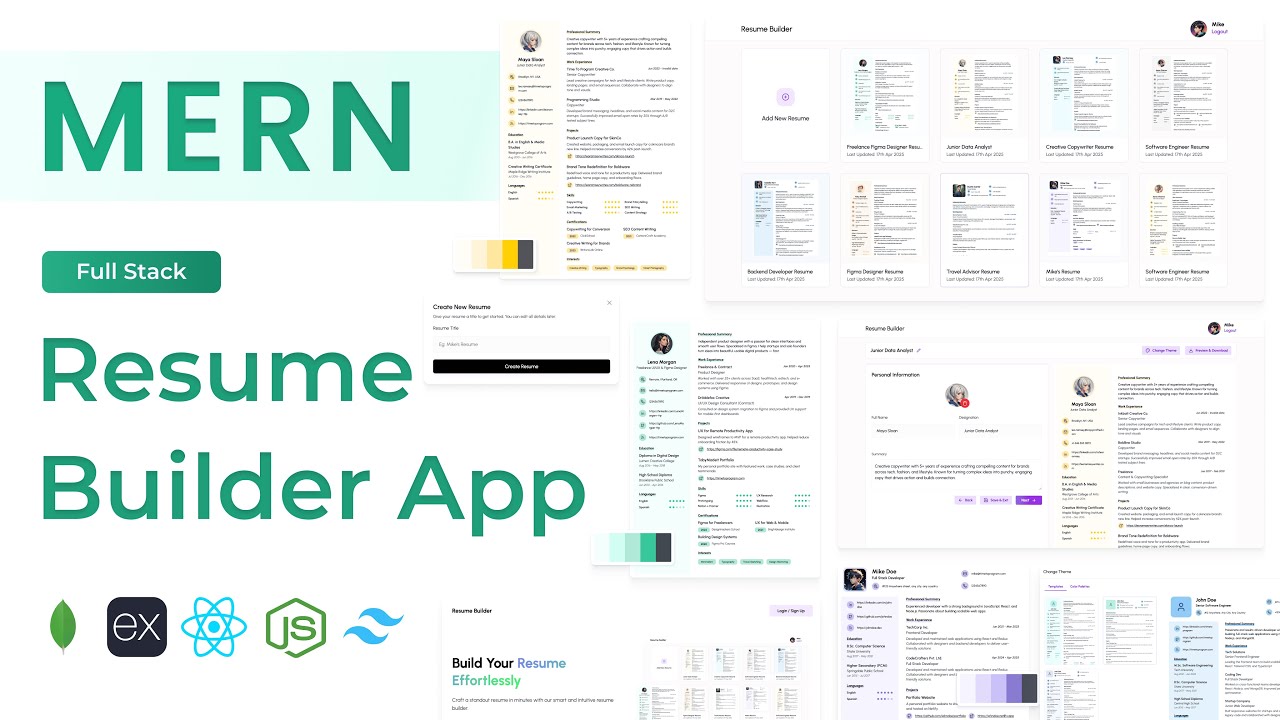
What You'll Build
What You'll Learn
Video Chapters
Tech Stack
Frequently Asked Questions
How does the live resume preview work?
The editor and preview panel are rendered side by side in React. Every form input is controlled state — as you type, the preview component re-renders instantly using the same data, so you see changes in real time without any API calls.
How is the PDF download implemented?
The resume preview component is set up to be print-friendly. The PDF download uses a browser-based approach — the tutorial covers the exact implementation so you understand exactly how it works without a paid third-party service.
Can I add more resume templates after completing the project?
Yes — each template is an isolated React component that receives the same resume data as props. Adding a new template means creating a new component and registering it in the template switcher.
What resume sections are covered in the editor?
Eight sections in total — Profile Info, Contact Info, Work Experience, Education, Skills, Projects, Certifications, and Additional Info. Each has its own form component with validation.
What prior knowledge do I need?
Intermediate React and Express knowledge is recommended. Having completed a project like the Expense Tracker or Task Manager App will make the auth, context, and API integration sections straightforward.
What is included in the source code?
You get the full React frontend, Express backend, Mongoose schemas for users and resumes, all three template components, API path config, a .env.example, and a README with local setup and deployment instructions.