React Portfolio Website with Glassmorphism & Scroll Animations
Build a stunning modern developer portfolio using React and Tailwind CSS with glassmorphism effects, animated gradient borders, custom scroll reveal hooks, a bento-style services grid, an interactive project carousel with category filters, a testimonials carousel with grayscale-to-color photo effects, and smooth fade-in animations throughout — the most visually polished frontend project in the series.
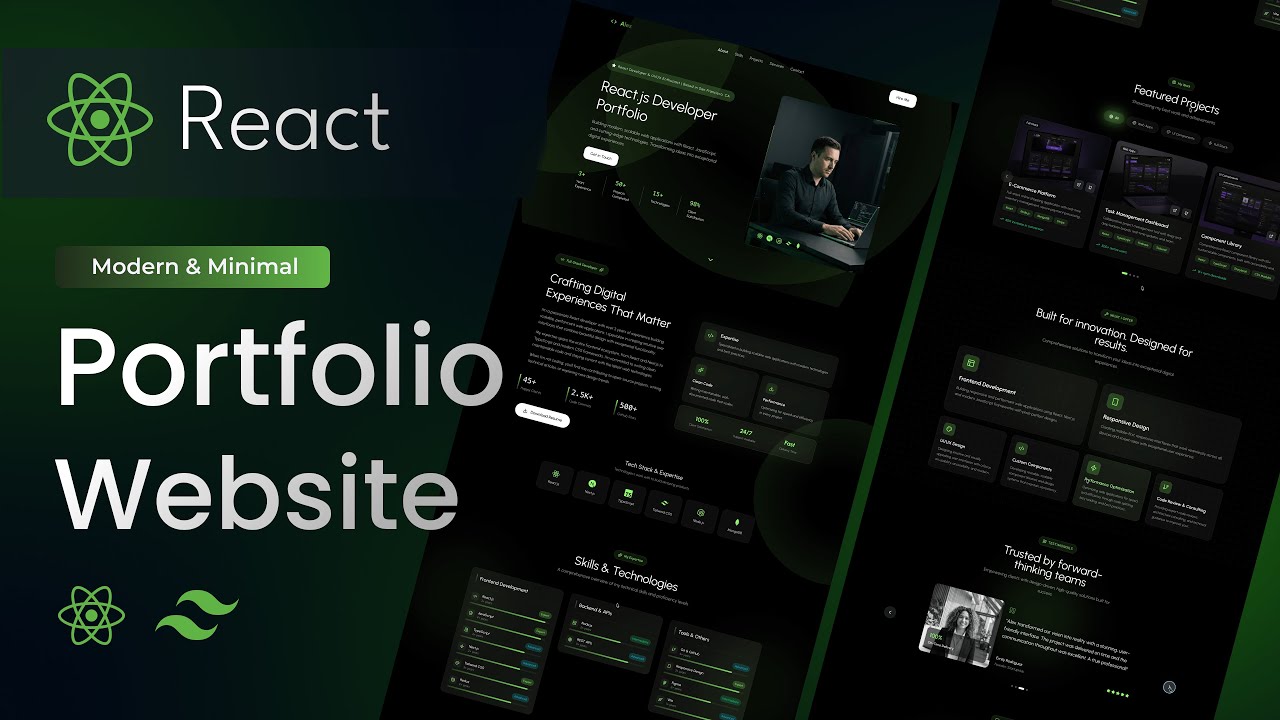
What You'll Build
What You'll Learn
Video Chapters
Tech Stack
Frequently Asked Questions
How is this different from the other React portfolio tutorials on the channel?
This is the most visually advanced portfolio in the series. It introduces glassmorphism design (backdrop blur, translucent cards, border glow), two custom React hooks built from scratch (useScrollSpy and useScrollReveal), a bento-style services grid, an interactive project carousel with category filters, and a grayscale-to-colour testimonial photo effect — none of which appear in the earlier portfolio tutorials.
What is glassmorphism and how is it implemented here?
Glassmorphism is a UI style that uses translucent surfaces, backdrop blur, and subtle border glow to create a frosted glass appearance. In this project it is implemented using Tailwind's backdrop-blur utilities and semi-transparent background colours — no external library needed. The navbar, input fields, and several cards all use this effect.
What are the useScrollSpy and useScrollReveal custom hooks?
useScrollSpy tracks which section is currently in the viewport to highlight the active nav link. useScrollReveal uses IntersectionObserver to detect when an element enters the viewport and triggers the fade-in animation. Both are built from scratch in the tutorial at 25:29.
How does the interactive project carousel work?
The Projects section has category filter buttons that update the displayed projects in state. The carousel itself has previous/next navigation and dot indicators — all built with React useState, no carousel library required.
Can I use this as my actual developer portfolio?
Yes — the source code is modular and easy to personalise. Swap in your own name, bio, skills, projects, and contact details and you can deploy a polished, professional portfolio in an afternoon.
What is included in the source code?
You get the complete React + Vite project with all section components, two custom hooks, animation wrapper components, Tailwind config, and a README with setup instructions. Just replace the placeholder content with your own.